
Add Predefined Content
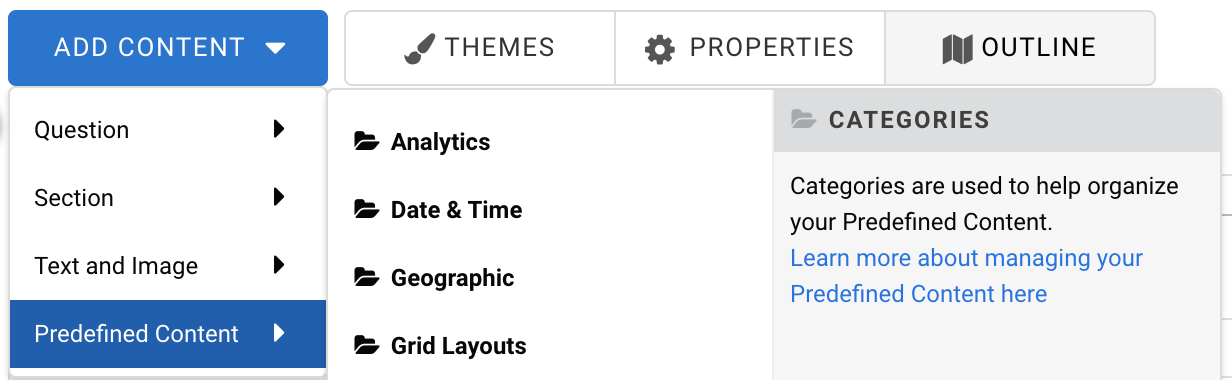
To add predefined content to your form, click Add Content → Predefined Content and select or drag the desired element. You will see a description of the predefined content to the right of any choice you hover over.
Save Predefined Content
Any element in your form can be added to the Predefined Content menu for future use.
If you've created a question or section that you'll want to use later in a different form, click the element to open the editing toolbar, then click Options to open the sidebar.

At the bottom of the sidebar, click Add to Predefined Content. Choose a name for your new element, provide an optional category, as well as an optional description, and click Save.

This element will now be available in the Predefined Content menu.
Delete Predefined Content
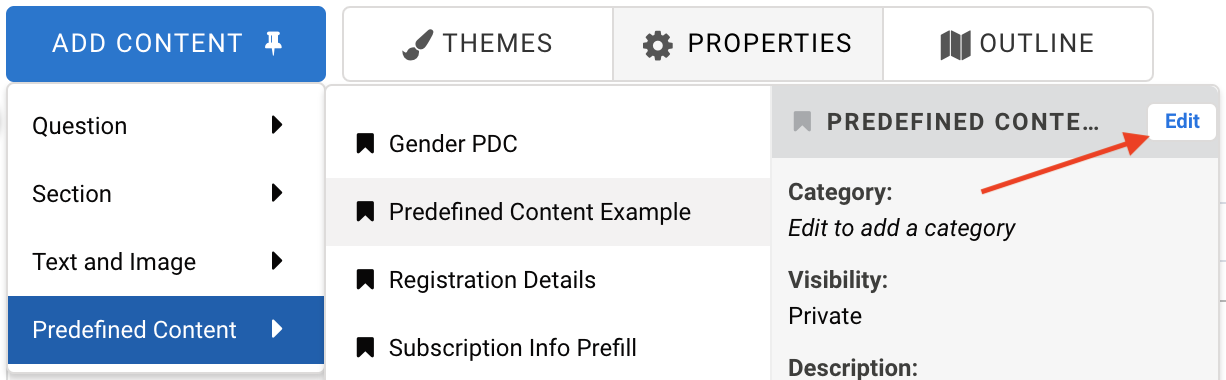
To delete the content that you've created, click Edit. From the box that appears, click Delete and then Delete again to confirm.

Predefined Content for Administrators
If you are an administrator of a FormAssembly instance, there are additional options you may consider when working with predefined content.